


Transparent Mode logo
Transparent Mode

Transparent Mode : a see-through screen for your Android phone

Transparent Mode : un écran transparent pour votre téléphone Android

Play, chat and surf the internet while you are walking : you now have a transparent phone !


Transparent Mode for Android allows you to add a layer of transparency in front of the applications.

From now on you will always have an eye on what is happening in front of you even while looking at your phone : a real transparent screen !
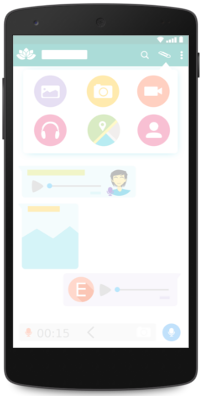
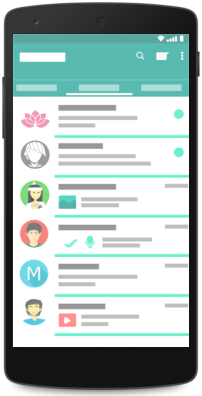

Transparent Mode: phone screen seen through


Transparent Mode: the real world behind the apps
Transparent Mode icon

Let's go !

Launch application to activate Transparent Mode
TM is not just a wallpaper !

Shake the phone to change the transparency

Set transparency level

Shake your phone to change transparency level.
From level 1 (opaque) to 5 (translucent).
Default is 2

Free app

Free for eternity

Nothing to pay, nothing else to say ;)

Transparent Mode in action :

Frequently asked questions

What is Transparent Mode?

An Android app that adds a layer of transparency in front of your applications, so you keep an eye on what is happening in front of you while looking at your phone.

Is it free?

Yes, it is free. It may show ads provided by Google AdMob (see the privacy policy).

How do I start it?

Launch the application to activate Transparent Mode. It is not just a wallpaper.

How do I change the transparency level?

Shake your phone. The level goes from 1 (opaque) to 5 (translucent). The default level is 2.

Where can I read the privacy policy?

On the Transparent Mode privacy policy page.